Your stack, one graph.
ChannelDesk models every device, channel and tool as a typed entity with capabilities. Sync adapters keep the registry in step with the real world — in both directions.
Shipping today
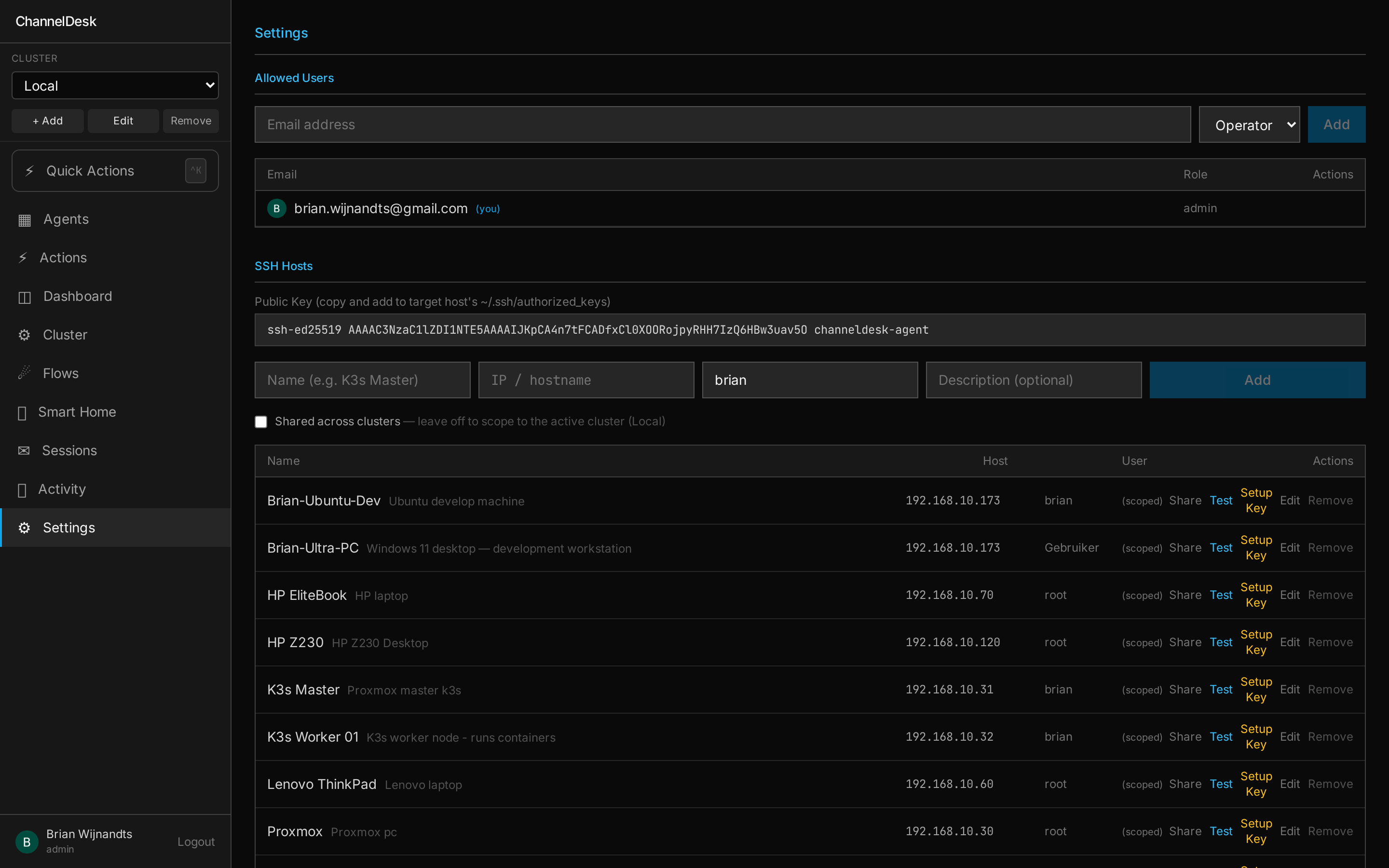
SSH host enrollment
stableOne-time password enrolls any machine, ChannelDesk stores an ed25519 key and from then on agents talk to it directly. Tag hosts, fan out to a cluster, manage many at once.
MCP tool servers
stableEight default servers ship in-box (channel-server, cluster-tools, dashboard-tools, flow-tools, memory-tools, quick-action-tools, skill-author-tools, unifi-tools). Bring your own via Claude CLI --mcp-config — agents pick which to expose.
channel-server (per-session MCP relay)
stableA small MCP server spawned alongside each Claude Code session. Exposes the reply tool and a permission relay so sessions can talk back to the channel that triggered them.
In-app chat
stableBrowser-based chat in the dashboard PWA. Messages tagged with
UniFi
stableNetwork stats, device presence, Wi-Fi state. Includes a unifi-tools MCP server for Claude.
Philips Hue
stableLights, scenes, rooms — wired up through the HueApiService sync adapter.
Energy / P1
betaSmart-meter readings via the in-cluster p1-reader. Surfaces realtime kW + daily totals to flows and the dashboard.
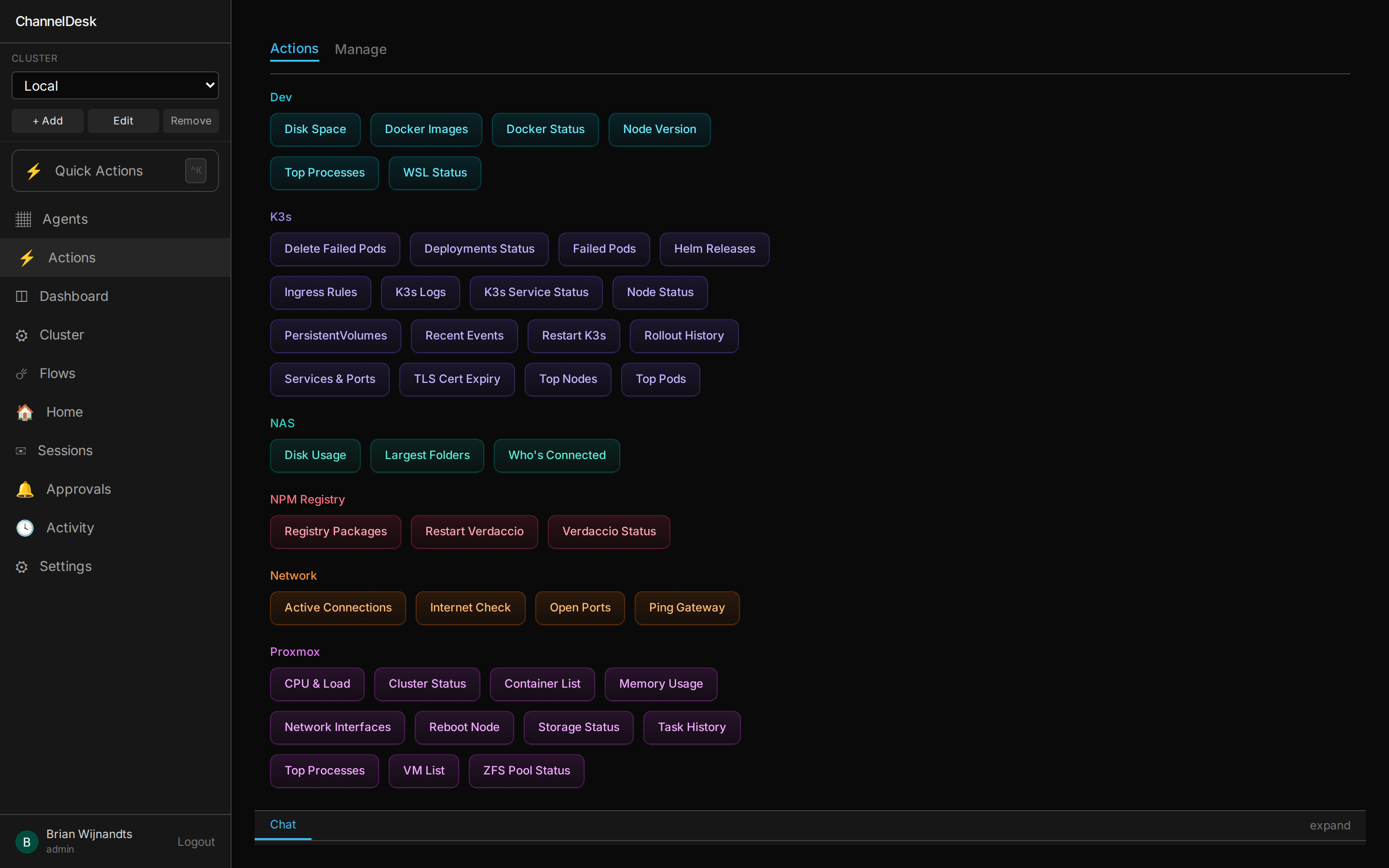
Buttons and tools, same surface.
Every Quick Action is registered with the quick-action-tools MCP server,
so the same operation a human triggers with a click is callable by Claude in a session.
Same arguments, same audit log, same permission model.
Capabilities, not drivers.
Every device declares a set of capabilities (light.onOff, light.brightness,
network.clientList, …). A command adapter knows how to
execute a capability against a specific integration, and a sync adapter
streams the integration's real-world state back into the registry.
Adding a new integration means implementing whichever capabilities you care about — you don't have to cover the whole vendor surface. The UI, automations, and Claude tool calls all work against the capability layer, so everything you build is portable across vendors.
On the roadmap
Honest about what we ship: the items below are designed but not yet in main.
Telegram bot
Slack workspace
Webhook inbound
Home Assistant
Spotify
Google Calendar
Matrix
Want something sooner? Open an issue on the source repo or write the adapter yourself — it's usually a few dozen lines of TypeScript.
Plug it into what you already run
ChannelDesk's capability model means your automations keep working even when you swap vendors.