Your box. Your keys. No SaaS.
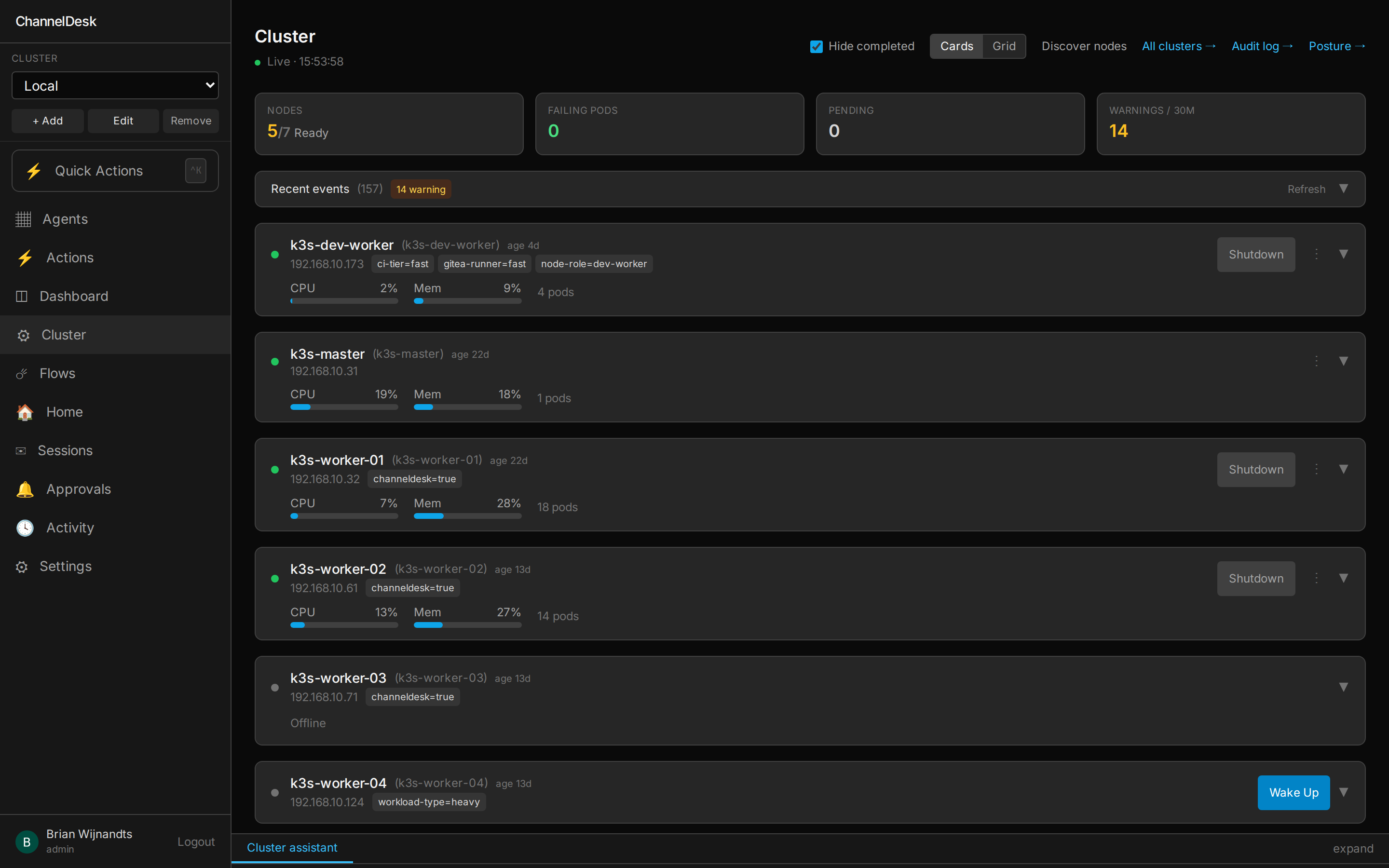
ChannelDesk is designed for homelabbers. Ships as a Docker Compose stack for the quickest start, or a reference Kustomize bundle if you're on Kubernetes (Helm chart in progress). Everything stays local.
Minimum specs
- 2 vCPU, 4 GB RAM
- 10 GB disk (Postgres + logs)
- Linux / macOS / Windows (via container)
Prereqs
- Docker 24+ or k8s 1.27+
- An Anthropic API key
- A reachable domain (for inbound webhooks)
Data lives in
- Postgres volume (entities, flows, settings)
- Redis (queues, ephemeral)
- Session logs on disk
Docker Compose (quickest)
$ git clone https://github.com/channeldesk/channeldesk.git
$ cd channeldesk
$ cp .env.example .env
$ nano .env     # paste your ANTHROPIC_API_KEY
$ docker compose -f docker-compose.yml up -d
# brings up postgres + redis + orchestrator + dashboard
# → open http://localhost:4200
Kubernetes / k3s
The reference deployment lives in channeldesk/infra —
Kustomize manifests under apps/channeldesk/ that Flux CD reconciles into a homelab k3s. Copy the folder,
point at your own image, and you have a GitOps deploy. A first-class Helm chart is on the roadmap.
$ kubectl create namespace channeldesk
$ kubectl -n channeldesk create secret generic channeldesk-secrets \
    --from-literal=ANTHROPIC_API_KEY=sk-ant-...
$ kubectl apply -k https://github.com/channeldesk/infra.git/apps/channeldesk
# or vendor the kustomize folder into your own GitOps repo and let Flux/Argo reconcile it.Add hosts. Test integrations. Done.
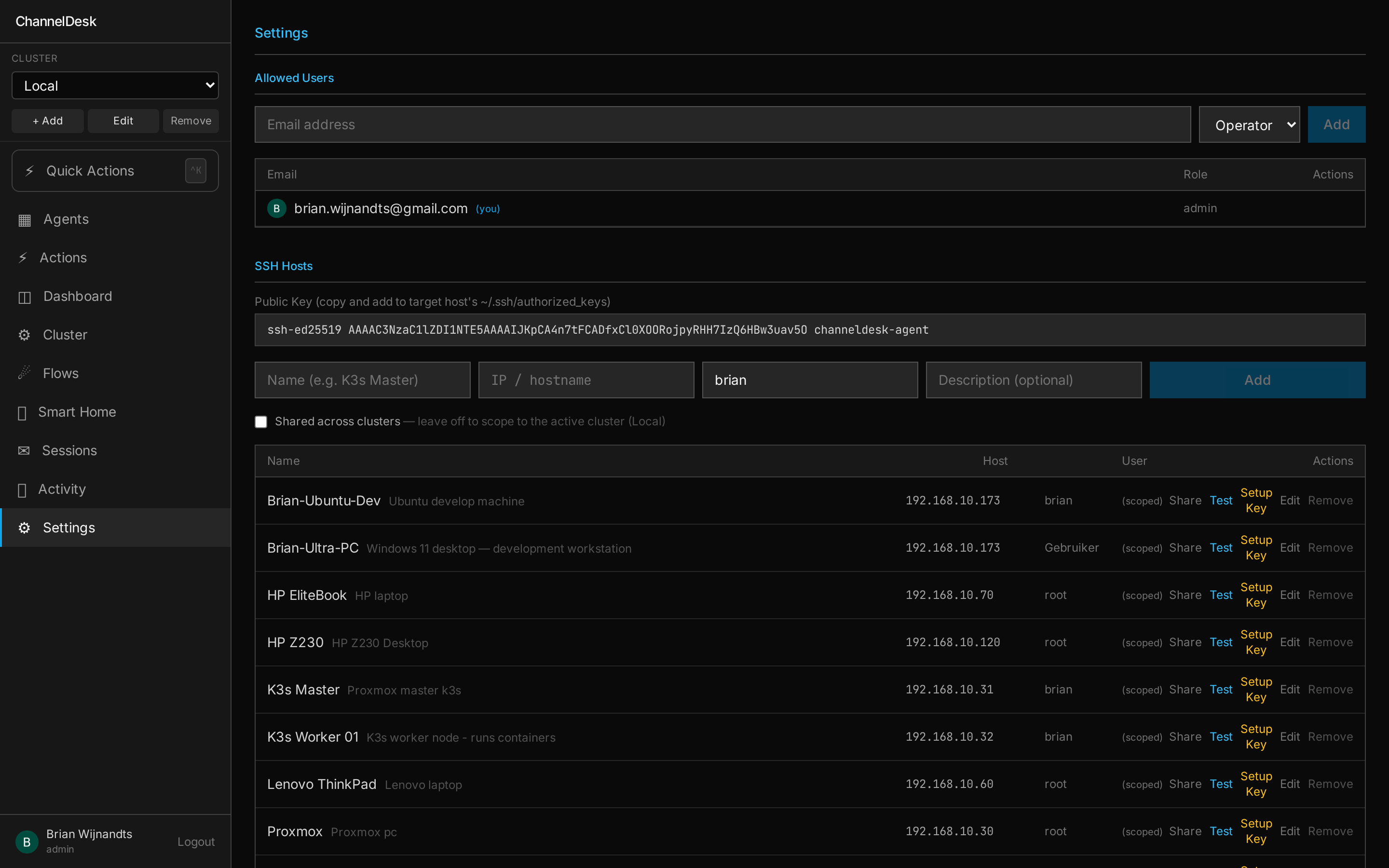
Settings is where you enroll SSH hosts (it generates the public key for you), test integrations end-to-end, and scope each one to a cluster — or lift it to shared with one toggle.
One caveat: Claude CLI login
If you're using the Claude CLI (rather than API key) for session spawning, Anthropic currently requires
a manual SSH + claude login refresh roughly every 3 days. ChannelDesk surfaces this clearly in
the settings UI — and can send you a channel reminder before the session expires.
You can be live in 10 minutes
The install script is idempotent. Run it again to upgrade; your data stays put.